






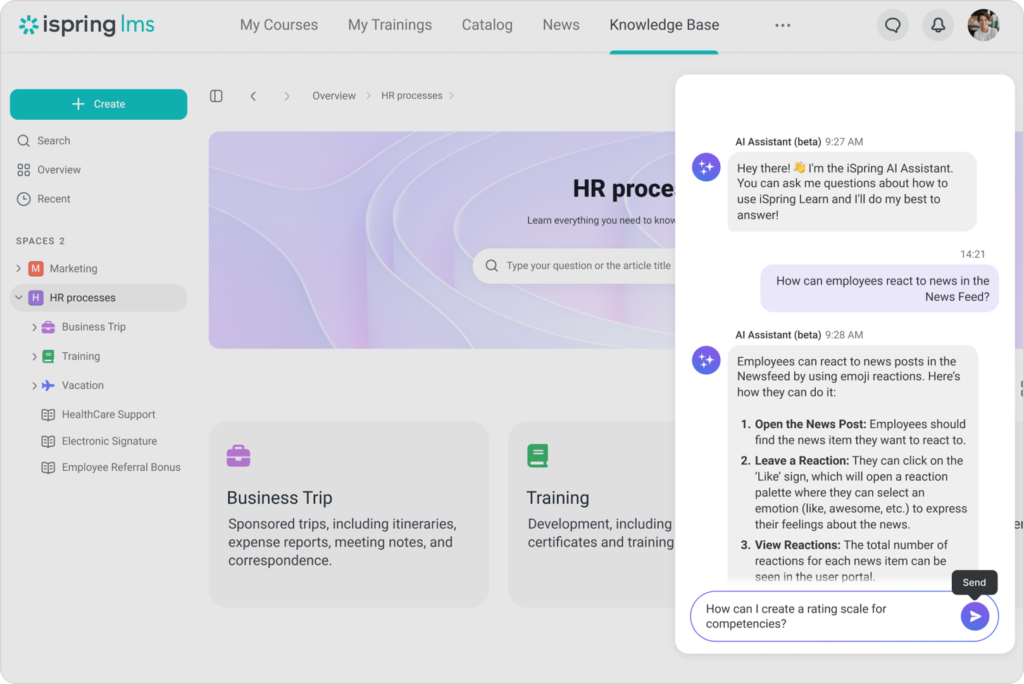
iSpring LMS

A Complete Corporate LMS for Employee Training

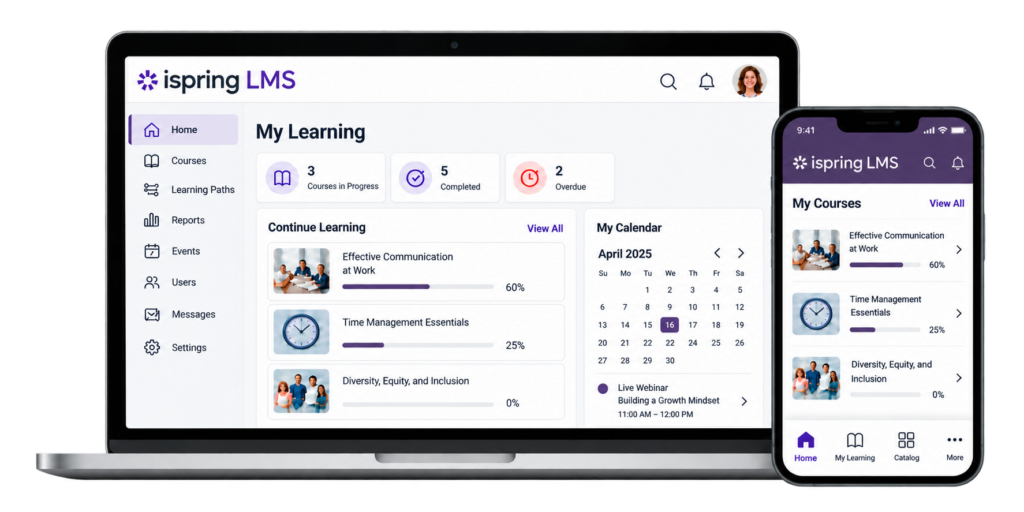
Empower your workforce with a powerful and easy-to-use Learning Management System designed for modern corporate training. iSpring LMS helps organizations manage employee onboarding, compliance training, skills development, and continuous learning from one centralized platform.

As a flexible corporate LMS and employee training software, it enables organizations to deliver engaging learning experiences, automate training workflows, and track learner progress with ease.

iSpring LMS at a Glance

Everything You Need in One Corporate Learning Platform

Why Choose iSpring LMS for Corporate Training?

iSpring LMS is an easy-to-use, cloud-based Learning Management System designed to simplify employee training and learning management.

With iSpring LMS, you can:

  • Centralize learning operations in one platform
  • Standardize training across teams and locations
  • Build a continuous learning culture
  • Scale training as your organization grows
  • Support employees, customers, partners, and remote teams

It is ideal for employee training, compliance training, and corporate learning programs, helping organizations manage, deliver, and track training efficiently from one centralized platform.

Why Buy from TrainingCentral - Your Trusted iSpring LMS Partner in India

TrainingCentral helps organizations choose, implement, and manage the right learning solution for their business. From licensing consultation to LMS deployment and ongoing support, we help you throughout your LMS journey.

Why Organizations Choose TrainingCentral

  • iSpring licensing and product consultation
  • Local implementation support
  • LMS setup and configuration guidance
  • Administrator and user training
  • Corporate eLearning consulting
  • Support for LMS deployment
  • Assistance with course migration and onboarding
  • Ongoing technical and customer support

Built for Your Business
Support for employee onboarding, compliance, product training, skills development, and continuous learning-all tailored to your organization’s needs.

LMS Implementation Workflow

Launch Your Corporate LMS in just 7 Simple Steps!

Implementing a Learning Management System does not have to be complicated. With the right planning, your organization can launch an effective employee training platform in a structured way.

Step 1

Step 2

Step 3

Step 4

Step 5

Step 6

Step 7

Identify Training Requirements

Choose the Right LMS Plan

Configure Your LMS

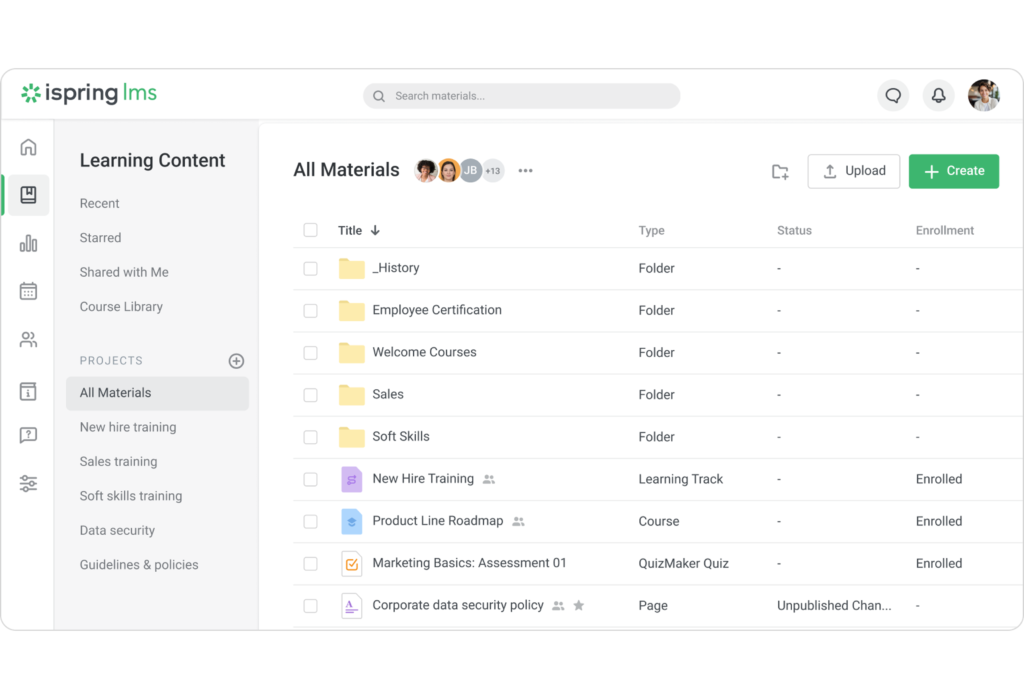
Create or Upload Learning Content

Enroll
Learners

Launch Your
Training Programs

Track and Improve

Explore Every Feature of iSpring LMS

01

Course Management

Course Management allows organizations to upload, organize, manage, and deliver all their training content from one centralized LMS.

  • Upload and manage SCORM courses
  • Organize courses and training materials
  • Store videos, documents, presentations, and audio
  • Create structured learning tracks
  • Manage third-party and ready-made courses

02

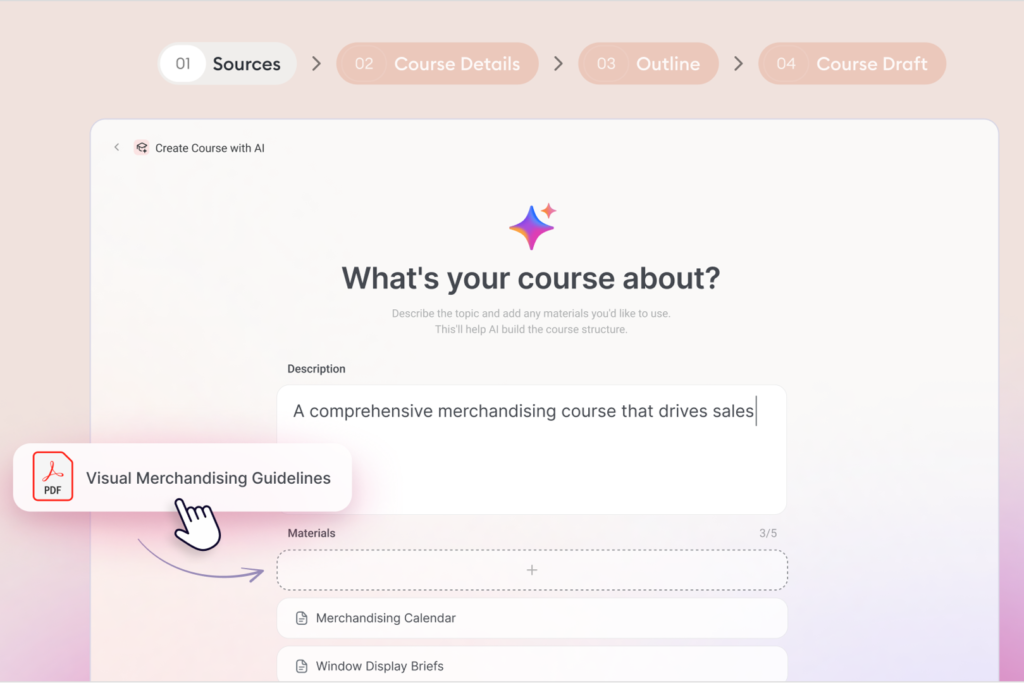
AI-Powered Course Creation

iSpring LMS includes AI capabilities that can help administrators and course creators create training content faster.

  • AI-assisted course creation
  • AI-generated quizzes
  • Content generation
  • Learning content improvements
  • AI-generated images
  • AI translation

03

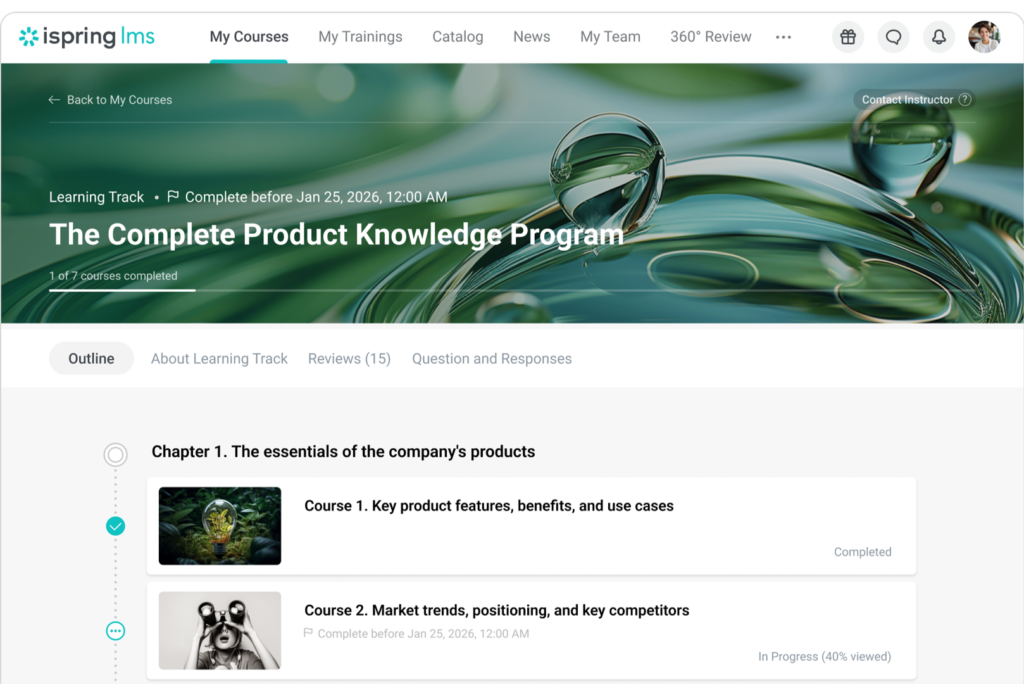
Learning Paths

Instead of assigning individual courses randomly, you can combine multiple courses, assessments, and learning materials into a structured learning journey.

  • Create structured learning programs
  • Organize training into chapters
  • Set completion requirements
  • Create role-based learning journeys
  • Combine courses and assessments

04

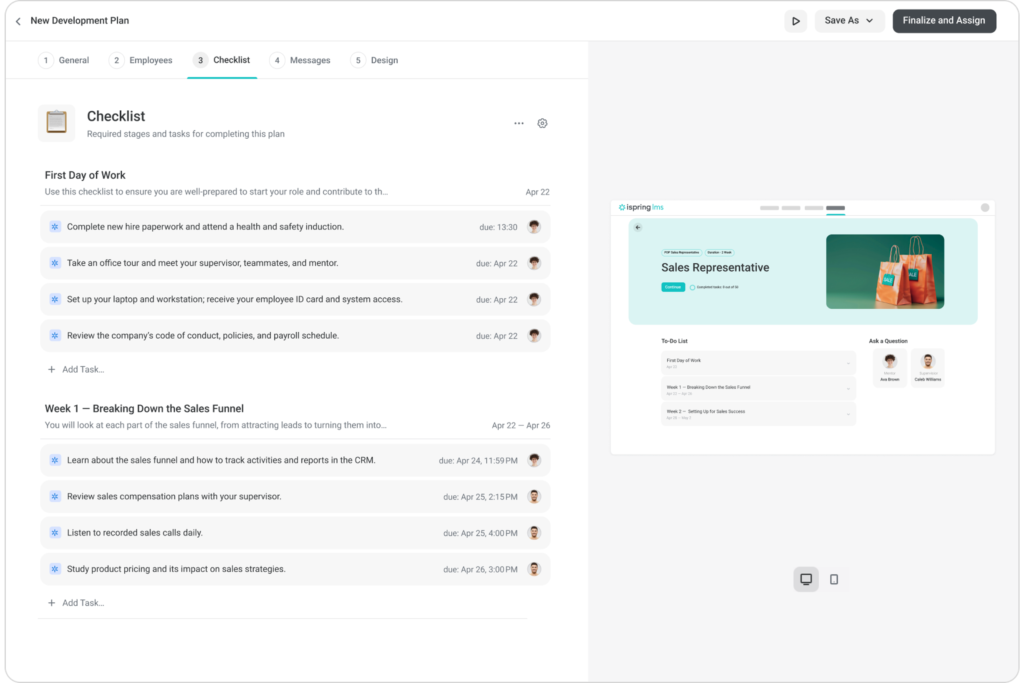
Employee Development Plans

Employee Development Plans create personalized development programs that help employees build the skills they need for their current roles and future growth.

  • Role-based development plans
  • Onboarding checklists
  • Skill development activities
  • Mentor and supervisor involvement
  • Progress tracking

05

Administration & Automation

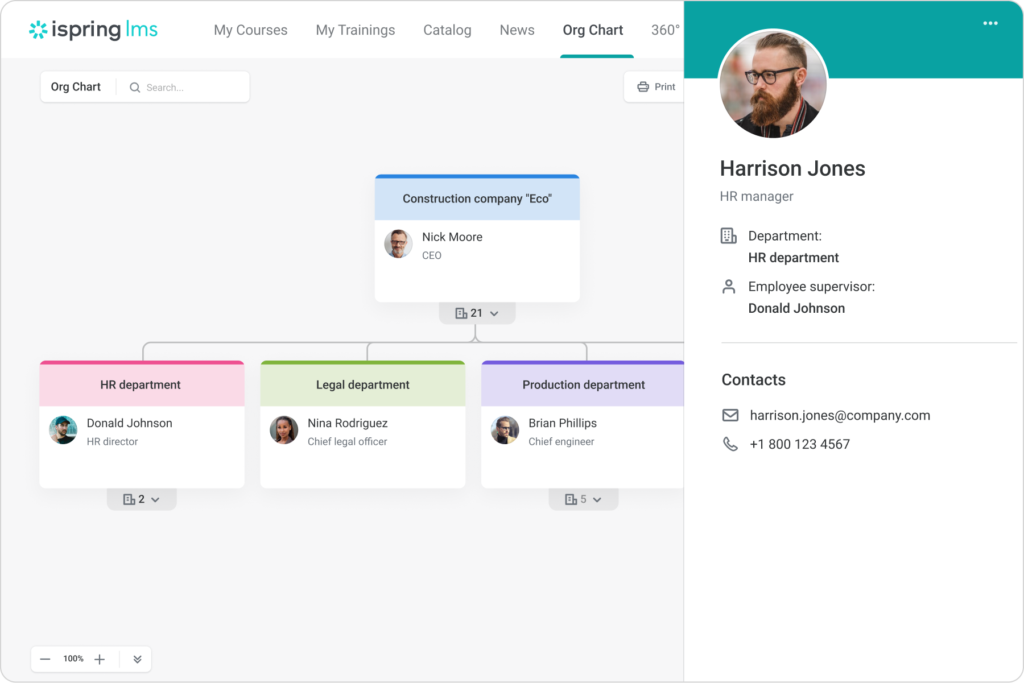
Administration & Automation simplify LMS management and reduce administrative effort with centralized user management and automated training workflows. Easily organize learners, assign roles and permissions, automate course assignments, and send timely reminders and notifications to keep training programs running efficiently.

  • Add & manage users
  • Create teams, departments & groups
  • Assign roles & permissions
  • Automatically assign courses
  • Send training reminders & notifications
  • Manage learner access & progress

06

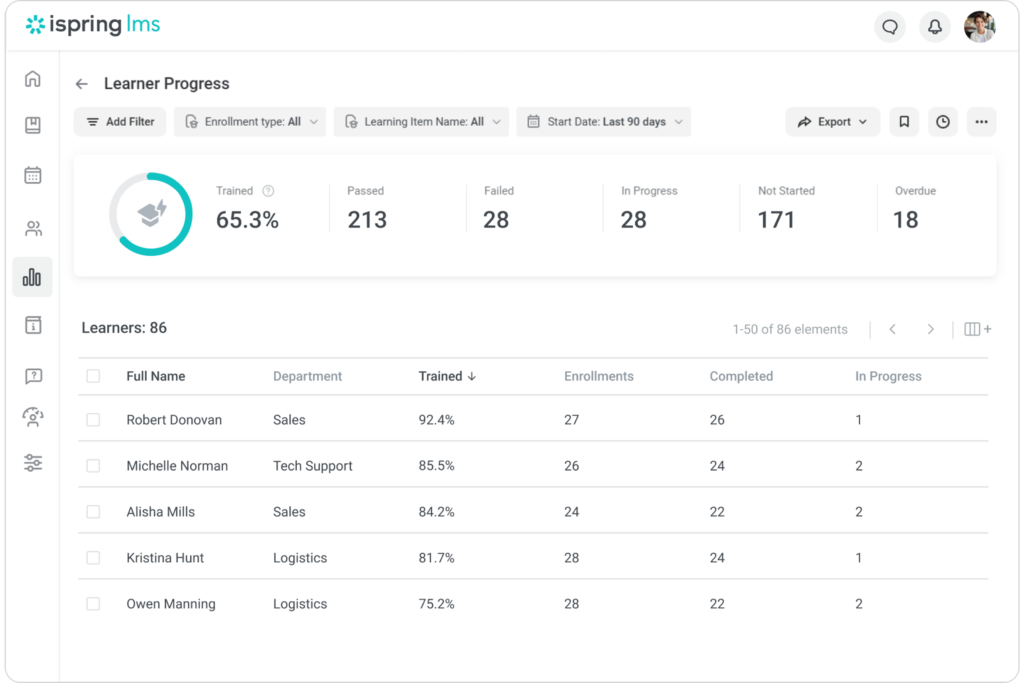
Reporting & Analytics

Training Automation reduces manual administration by automatically assigning training, sending reminders, and managing learning activities based on predefined rules.

  • Automatic course assignments
  • Smart learner filters
  • Completion notifications
  • Training reminders
  • Automated learner management

07

360-Degree Reviews

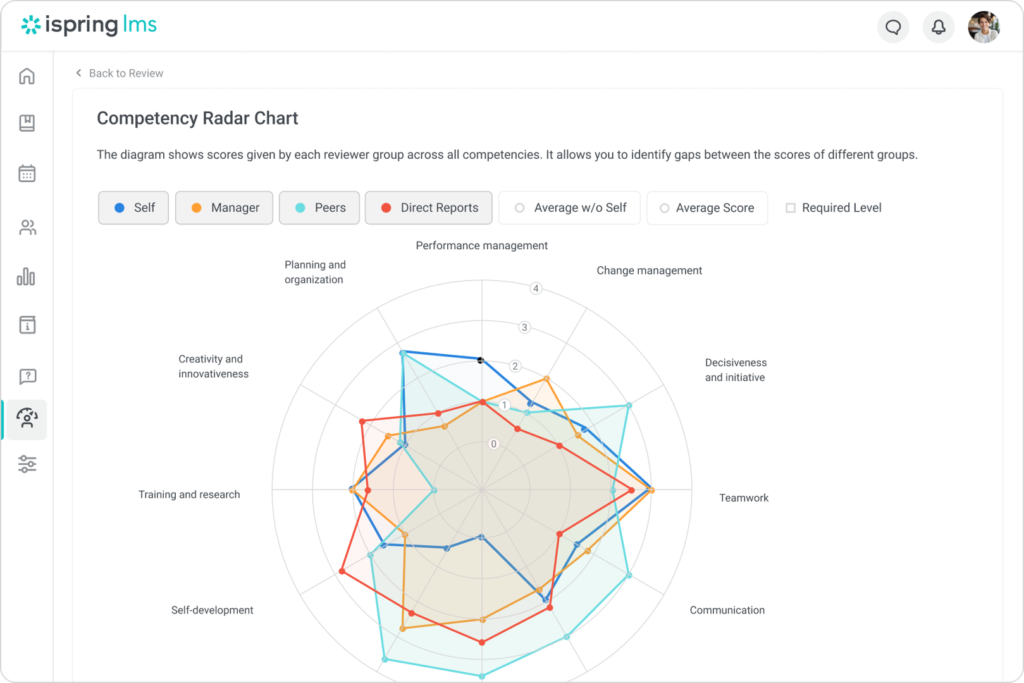
A 360-Degree Review allows an employee’s performance and competencies to be evaluated through feedback from multiple people they work with Manager + Peers + Team Members + Subordinates.

  • Multi-source feedback
  • Employee competency assessment
  • Identify strengths
  • Identify development areas
  • Support employee development

08

Integrations & Security

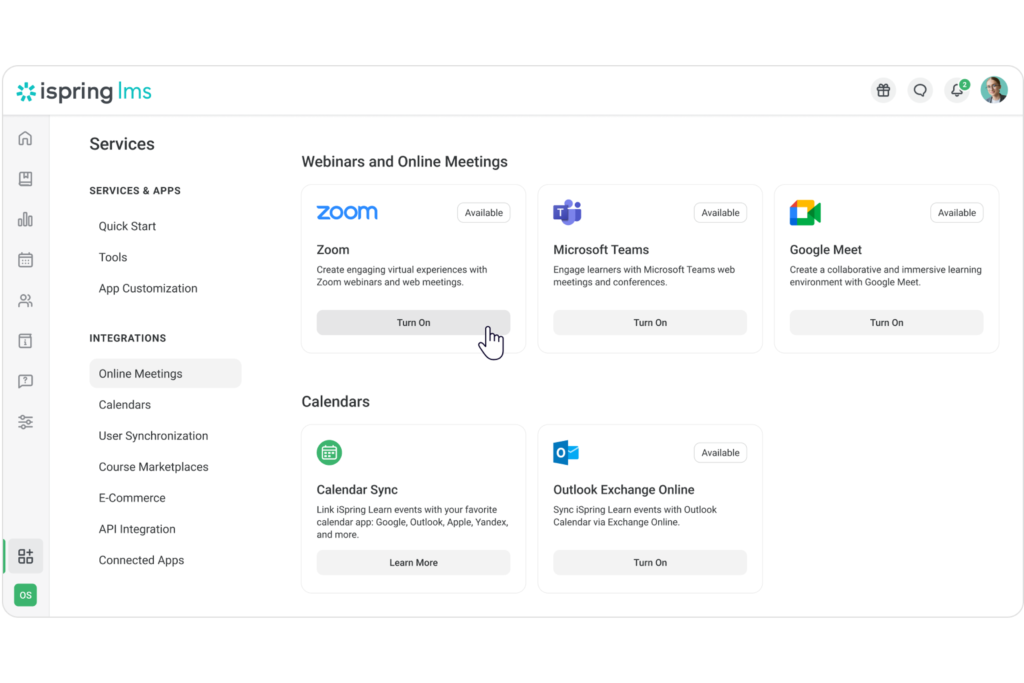
Connect iSpring LMS with your existing business tools while keeping training data and learner information secure. Use integrations, APIs, and Single Sign-On to streamline workflows, with secure access and flexible deployment options for your organization.

  • HR & business system integrations
  • API & Single Sign-On
  • Video conferencing integration
  • Secure learner data
  • Access controls
  • Cloud & on-premise deployment

09

Mobile Learning

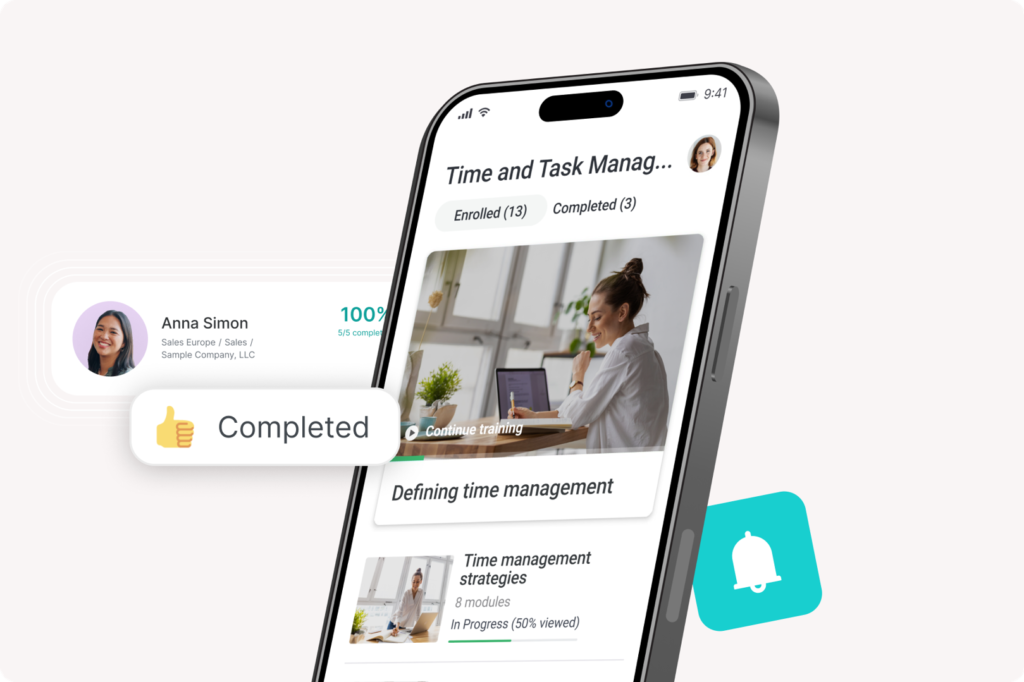
Employees don’t always work from a desktop. The iSpring LMS mobile app allows learners to access training through iOS and Android devices, including offline learning. Progress can synchronize when the learner reconnects to the internet.

  • iOS app
  • Android app
  • Mobile course access
  • Offline learning
  • Automatic progress synchronization

10

Support & Scalability

An LMS needs to work as your organization grows. iSpring provides support through multiple channels and offers guided setup and assistance for organizations implementing the platform.

  • Expert LMS support
  • Guided setup
  • Implementation assistance
  • Multi-channel support
  • Scalable training environment

Frequently Asked Questions

Get answers to common questions about iSpring LMS.

What is iSpring LMS?

iSpring LMS is a cloud-based Learning Management System that helps organizations manage employee training, onboarding, compliance programs, learning content, and professional development from a centralized platform.

Is iSpring LMS suitable for corporate training?

Yes. iSpring LMS can be used as a corporate LMS for managing employee onboarding, compliance training, skills development, product training, and other workforce learning programs.

Is iSpring LMS suitable for SMEs?

Yes. iSpring LMS can support growing businesses looking for an LMS for SMEs, while also offering the scalability required for larger organizations.

Can iSpring LMS be used for compliance training?

Yes. Organizations can use the platform to deliver mandatory training, track completion, manage certifications, and automate training reminders.

Does iSpring LMS provide reporting?

Yes. iSpring LMS provides reporting capabilities that help organizations track learner progress, course completion, assessment results, and training performance.

Can employees access training on mobile devices?

Yes. Employees can access assigned learning content through supported mobile learning options, allowing greater flexibility in how and where they complete training.

Can I upload my existing training content?

Yes. Organizations can upload and manage different types of training materials and eLearning content within the platform.

Is iSpring LMS suitable for large companies?

Yes. The platform can be used by organizations managing multiple departments, teams, user groups, and large employee training programs.

Why should I purchase iSpring LMS through TrainingCentral?

TrainingCentral can help organizations with licensing consultation, LMS implementation, onboarding, administrator guidance, and ongoing support to help them successfully launch and manage their corporate learning platform.

Does TC provide iSpring LMS implementation support?

Yes. TrainingCentral provides guidance for LMS setup, configuration, onboarding, administrator training, and ongoing technical support.

How quickly can we launch iSpring LMS?

The platform is designed for quick setup, allowing organizations to configure their LMS, add users, upload content, and start delivering training efficiently.

Can we create different learning experiences for different employee groups?

Yes. You can organize learners by departments, roles, locations, or groups and assign relevant training based on their specific needs.

Trusted by leading organizations

Leading Global Brands opt for iSpring

High Tech & Software

Manufacturing

Consumer Products & Retail

Automotive & Transport

Healthcare & Pharmaceuticals

Financial Services

Start your E-learning journey Today

iSpring LMS helps you manage, deliver, and track engaging employee training from one centralized platform. With TrainingCentral, you don’t just get an LMS-you gain a complete learning solution partner.

(Visited 1 times, 1 visits today)